

Add fixed or one-off income, edit it, and pause it
Add your salary and other income, edit it, pause anything you don't want counted, and delete it. This is how the money that Monuvia spreads across your available amount comes in.
Keep track of the money coming in: a fixed income every month, or a one-off just for this month. You can also edit it, pause it without deleting it, or remove it.
- A connection: adding, editing, pausing, or deleting income all need a network.
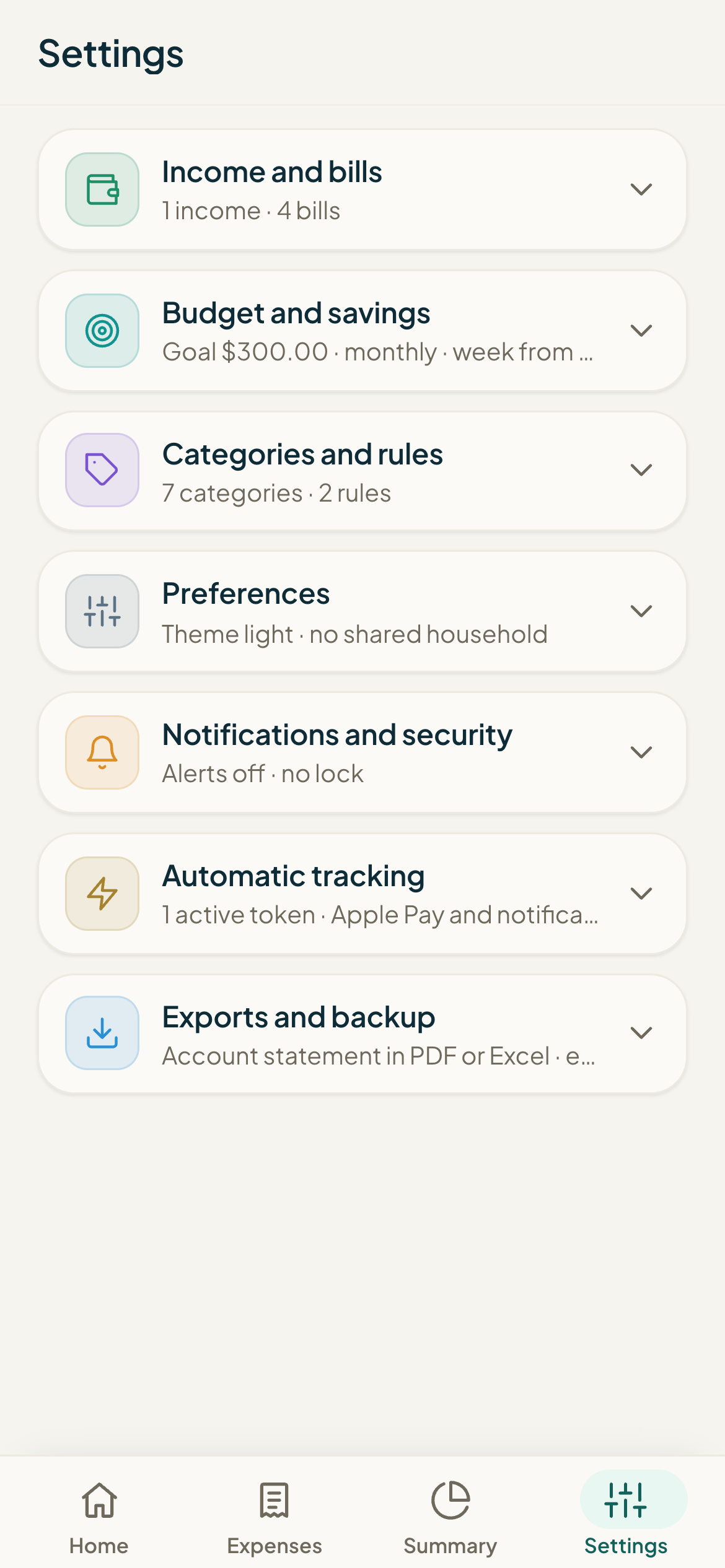
Your income is the basis of the calculation: it's the first thing Monuvia adds up to work out how much you can spend. You manage it in Settings, under the Income section.
#Add an income
- Open Settings and go to the Income section.
- Under Type, choose "Monthly (fixed)" for something recurring like your salary, or "One-off (this month)" for a one-time amount.
- Enter the Amount and the Name (for example, "Salary").
- If it's fixed, set the "Day of the month you receive it" (1 to 31). If it's one-off, pick the Date.
- Tap Add income. You'll see a confirmation message with the income's name.
#Edit, pause, or delete
- In the Income list, tap Edit on the one you want to change.
- Adjust the Type, Amount, Name, and the day or date as needed.
- To stop it from counting without deleting it, uncheck the "Active (counts in your budget)" box.
- Tap Save changes, or Cancel to discard.
- To remove it entirely, tap Delete and confirm.
A paused income is marked "Paused" and its amount appears dimmed in the list: it's still saved but doesn't enter the calculation. This is handy for a bonus you don't want to count this month without losing the record.
#How they enter the available amount
Active fixed income is added together to form the base for the period. Active one-off income is added only if its date falls within the period being calculated. On a fortnightly cycle, fixed income is split evenly across the two periods. From that total, Monuvia subtracts your bills and savings goal, then spreads what's left across the days to give you your available amount.
Common problems
I get "Give the income a name." or "The income amount must be greater than zero."
I chose one-off and it won't let me save.
I added an income but my available amount didn't change.
I want to drop a bonus this month without losing the record.
Keep learning
Set up your budget: cycle, week start, and savings goal
Set the cycle (monthly by weeks, or biweekly), the day your week starts, and your monthly savings goal. This is where you decide how Monuvia calculates your available amount.
EverydayBills: log the actual payment, history, and undo
Bills are your fixed payments: rent, loan payments, utilities. Here's how to create them, mark them as paid with the actual amount and date, review your history by month, and undo a payment.