

Set up your budget: cycle, week start, and savings goal
Set the cycle (monthly by weeks, or biweekly), the day your week starts, and your monthly savings goal. This is where you decide how Monuvia calculates your available amount.
Tailor the budget to you: choose whether your month is split into weeks or biweekly periods, which day your week starts, and how much you want to set aside each month. Monuvia uses that to calculate your available amount.
- Be online: saving your settings requires a connection.
- Have your income and bills entered so the calculation has something to work from.
The available amount you see on the Home screen isn't a bank balance: it's a number Monuvia calculates from your data. Here you set the three pieces that go into that calculation. Go to Settings and scroll down to the Budget section.
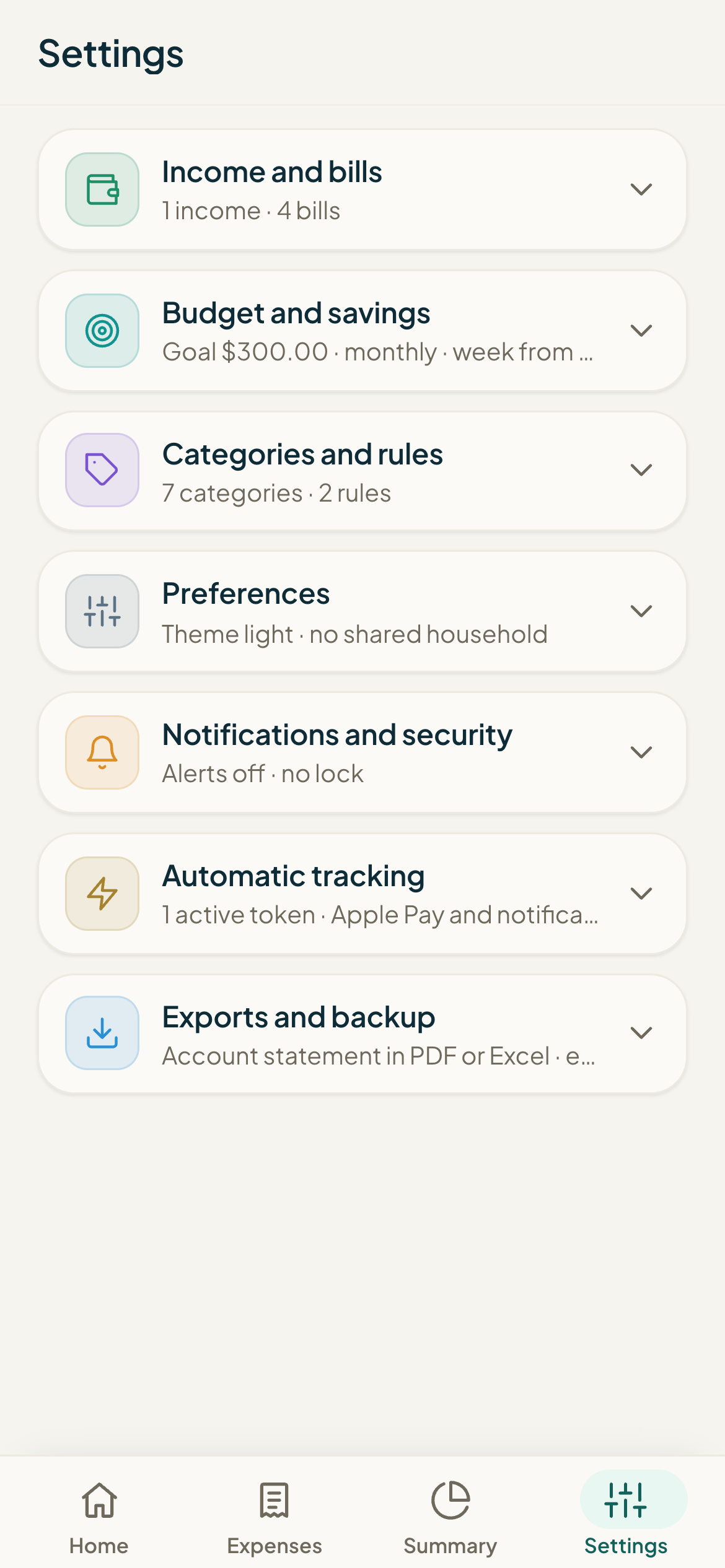
#The three settings
- Monthly savings goal: how much you want to set aside each month. It's subtracted before your free-to-spend money is divided up, so the higher the goal, the lower your available amount.
- Cycle: how the period is divided. "Monthly (weeks)" splits the month into weeks; "Biweekly" divides it into two halves (the 1st–15th and the 16th to the end of the month).
- Week starts: the day each spending week begins, "Monday" or "Sunday".
- Open Settings and go to the Budget section.
- In Monthly savings goal, enter the amount you want to set aside (0 or more).
- In Cycle, choose "Monthly (weeks)" or "Biweekly".
- In Week starts, choose "Monday" or "Sunday".
- Tap Save changes. You'll see the message "Settings saved."
#How it affects your available amount
Monuvia first works out how much you have free to spend for the period: income minus bills minus your savings goal. Then it splits that free-to-spend amount across the days: a week's budget is that amount multiplied by how many of the week's days fall within the period, divided by the total days in the period. Your available amount is that budget minus what you've already spent this week.
Common problems
I saved and it says "The savings goal must be 0 or more."
I changed the cycle and my available amount changed even though I didn't spend anything.
I can't find where to change the currency.
I tapped Save changes and nothing happened.
Keep learning
Add fixed or one-off income, edit it, and pause it
Add your salary and other income, edit it, pause anything you don't want counted, and delete it. This is how the money that Monuvia spreads across your available amount comes in.
BudgetUnderstanding your available amount and monthly summary
What your available amount really means (a calculated figure, not a bank balance), how to read the "How this number is calculated" breakdown, why it changes, and how to make sense of the Summary's donut chart and yearly table.