

Explore Monuvia, no account needed
Tap, drag, and try it out. This is a demo with sample data: you don't need to sign up, and nothing you do here is saved or sent anywhere.
Walk through the real screens
Switch modules and see real screenshots of the app, with sample data.
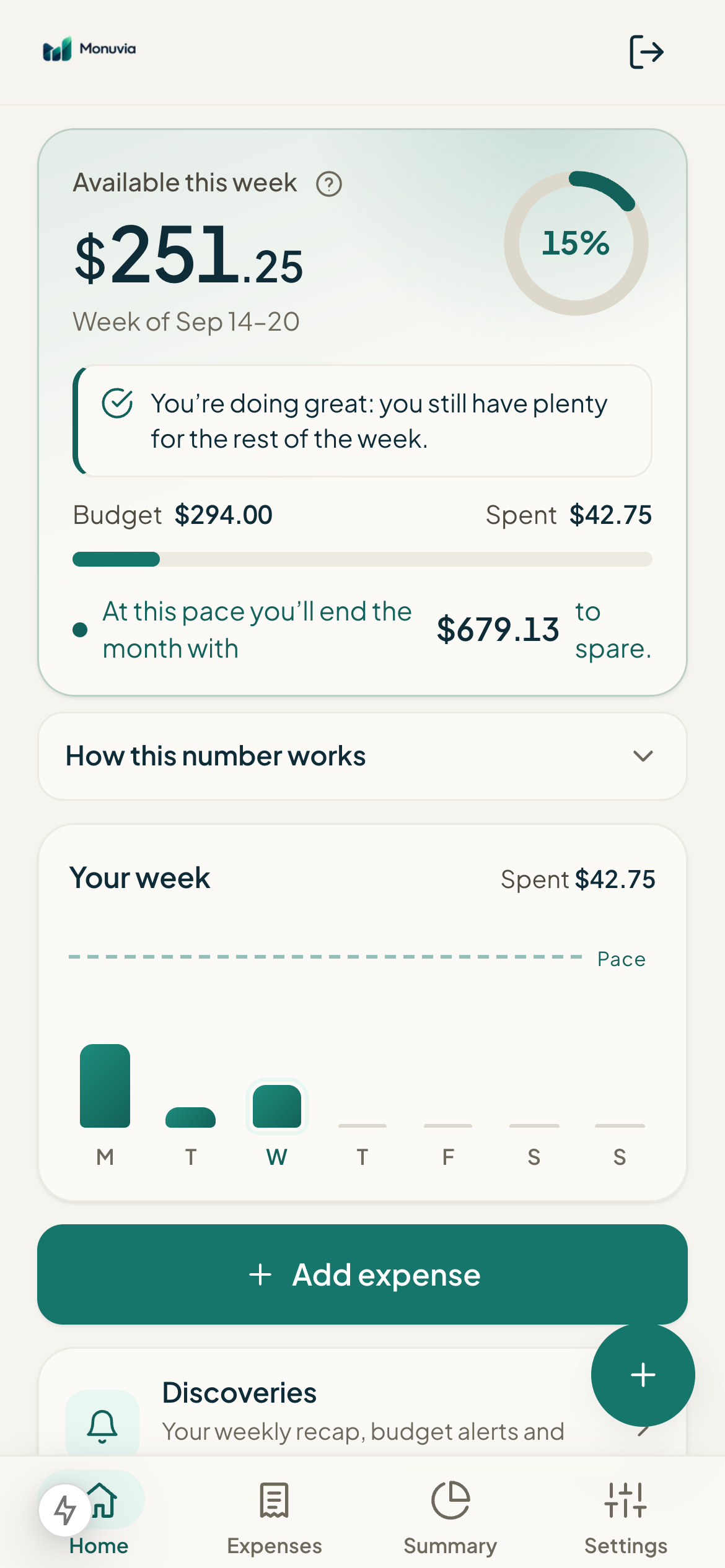
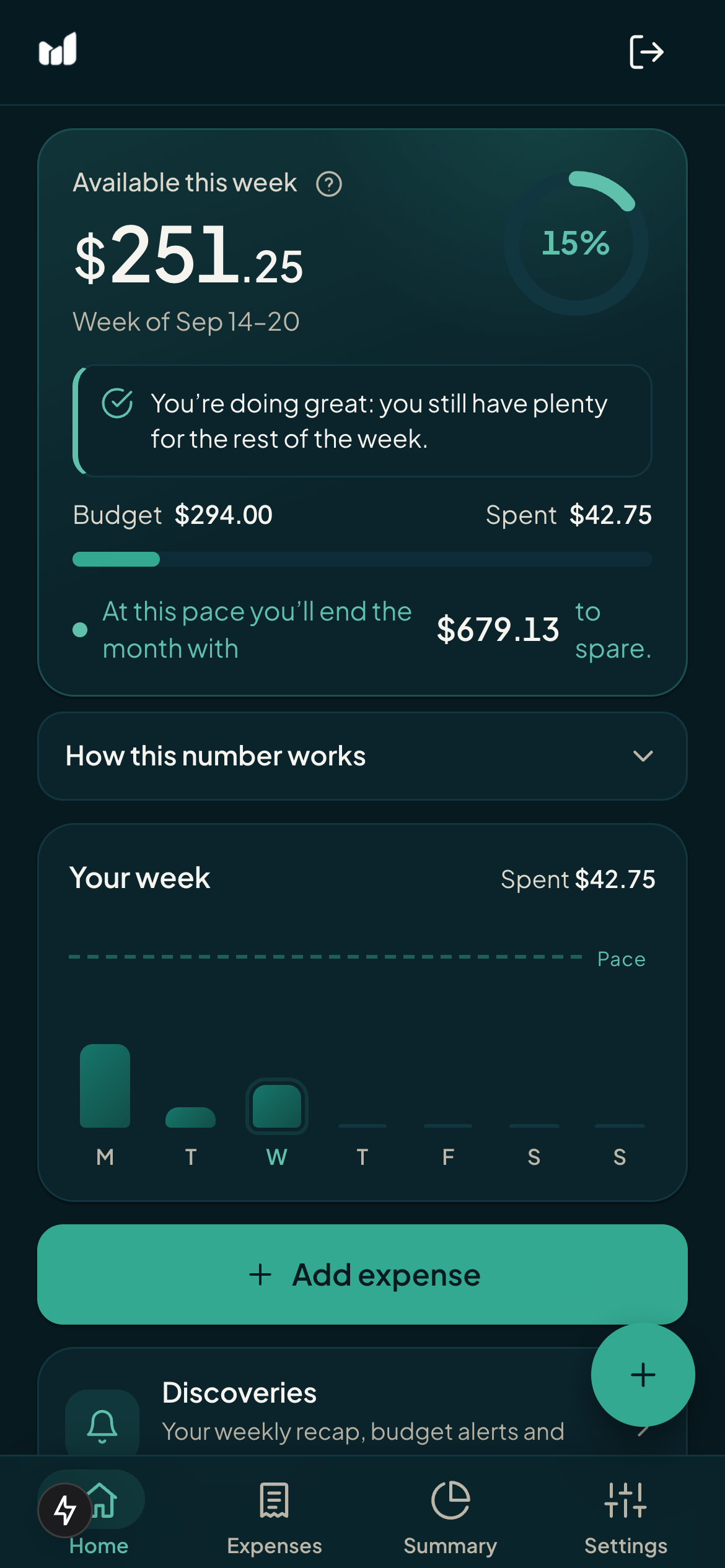
Your week, in one number
- Available this week, front and center, in the house gradient.
- "How this number is calculated" opens the full breakdown.
- Add an expense, check bills, or scan a receipt without leaving.
Add an expense and watch Available this week drop
This is what day-to-day feels like: every expense you log lowers your available this week, instantly. Tap the sample buttons and reset whenever you want.
In the app you log by hand, by photo of a receipt, or by letting your phone send every contactless payment.
Available this week
$180.00
of $180.00 · spent $0.00
Demo with sample data
How your available this week is built
Move your income, bills, and savings goal. The math uses the same formula as the app, including weeks split by the month change and biweekly mode.
Demo with sample data
Each week's budget is fixed: the free amount is spread across days, not “four ways.” A 3-day week gets 3/30. It only goes down with what you spend; each month starts over.
One photo, one logged expense
Text recognition happens on your own phone. Here are the real steps:
- Tap "Scan bill or receipt" and choose "Take photo" or "Upload image."
- The text in the photo is recognized on your own phone (the image is never sent to any server).
- Monuvia pulls the total and the merchant from the recognized text and prepares the expense.
- You review the amount and the category, then confirm. The expense is logged with its date.
Download a real sample
This is what the documents Monuvia exports look like. They're generated in your browser with sample data: the PDF carries Monuvia's branding and the Excel includes formulas that recalculate when you edit the amounts.
Real files generated in your browser · sample data (September 2026)
In the app, you export any month or the whole year from Settings › Account statement. How to export, step by step →
Ready for your own account?
Create your account, add your income and bills, and start knowing how much you can spend this week.