

Record offline and finish syncing
With no connection you can still jot down expenses and snap photos of receipts: they go into a queue on your phone and upload when you reopen the app while online.
Keep recording expenses and receipts even without a signal, and learn how they upload afterward and what to do with pending items that fail.
- Have the app open on your phone; offline recording uses your browser's local storage (IndexedDB).
- For pending items to actually upload, you need to be back online and open the app.
Monuvia keeps your week on your phone, so even if you lose signal you can keep jotting things down. When there's no connection, every expense you record and every photo you take is saved to a queue on your phone. They aren't lost even if you close the app.
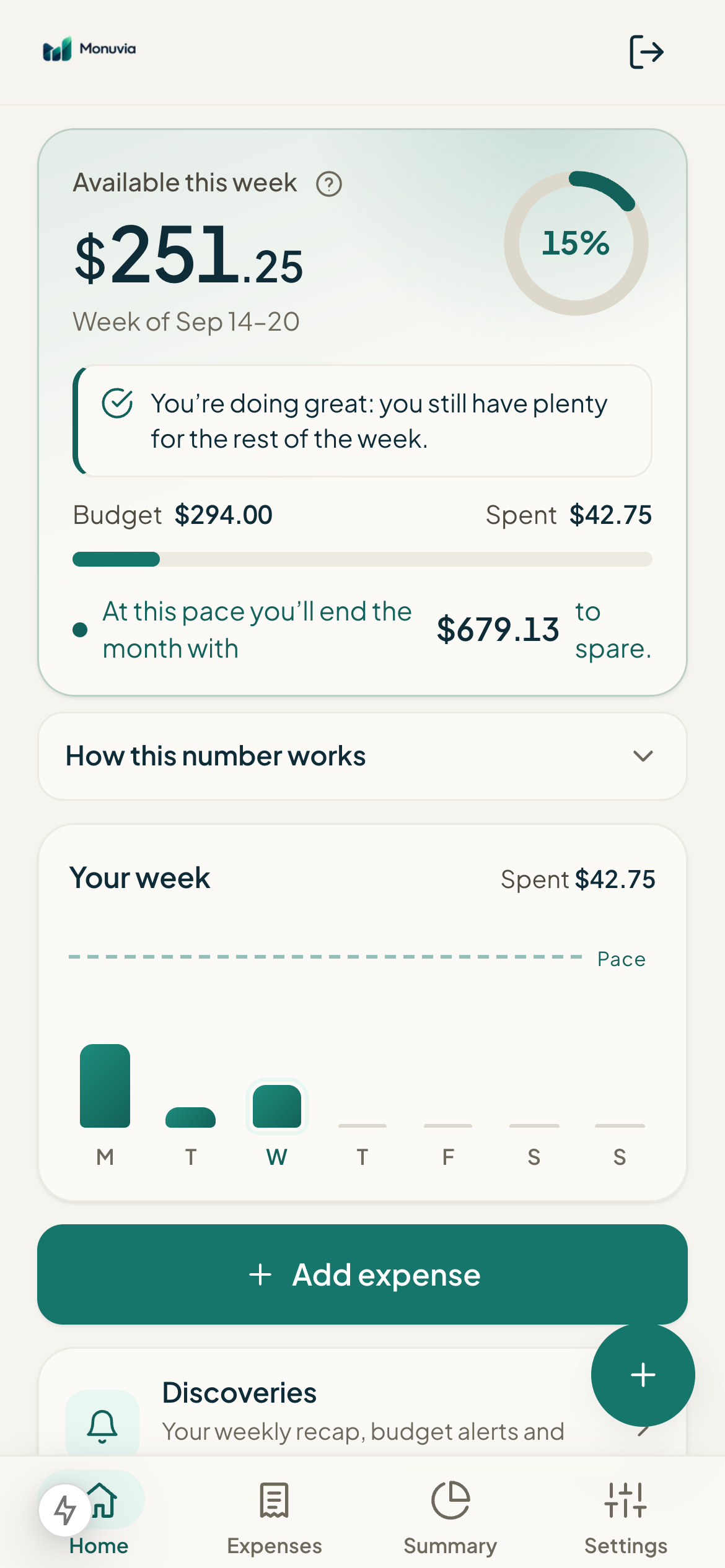
When there's no connection, an "Offline" notice appears at the top of Home. It tells you that you're seeing the last saved view and that you can still add expenses and photos: they upload on their own once you're back online.
#Add an expense offline
- On Home, tap "Add expense".
- Enter the Amount and, if you like, the "Merchant or note (optional)".
- Tap "Save (uploads later)". The button switches to that text when you're offline.
- You'll see the notice: "Offline: the expense is saved on this phone and will upload on its own when you reconnect."
#Take a photo of a receipt offline
Under "Scan a bill or receipt", you can use "Take photo" or "Upload image" even while offline. Reading the photo (the text) happens right on your phone; the photo never leaves it. If you're online, the receipt is recorded right away; if not, it's read and saved to the queue.
#Pending items
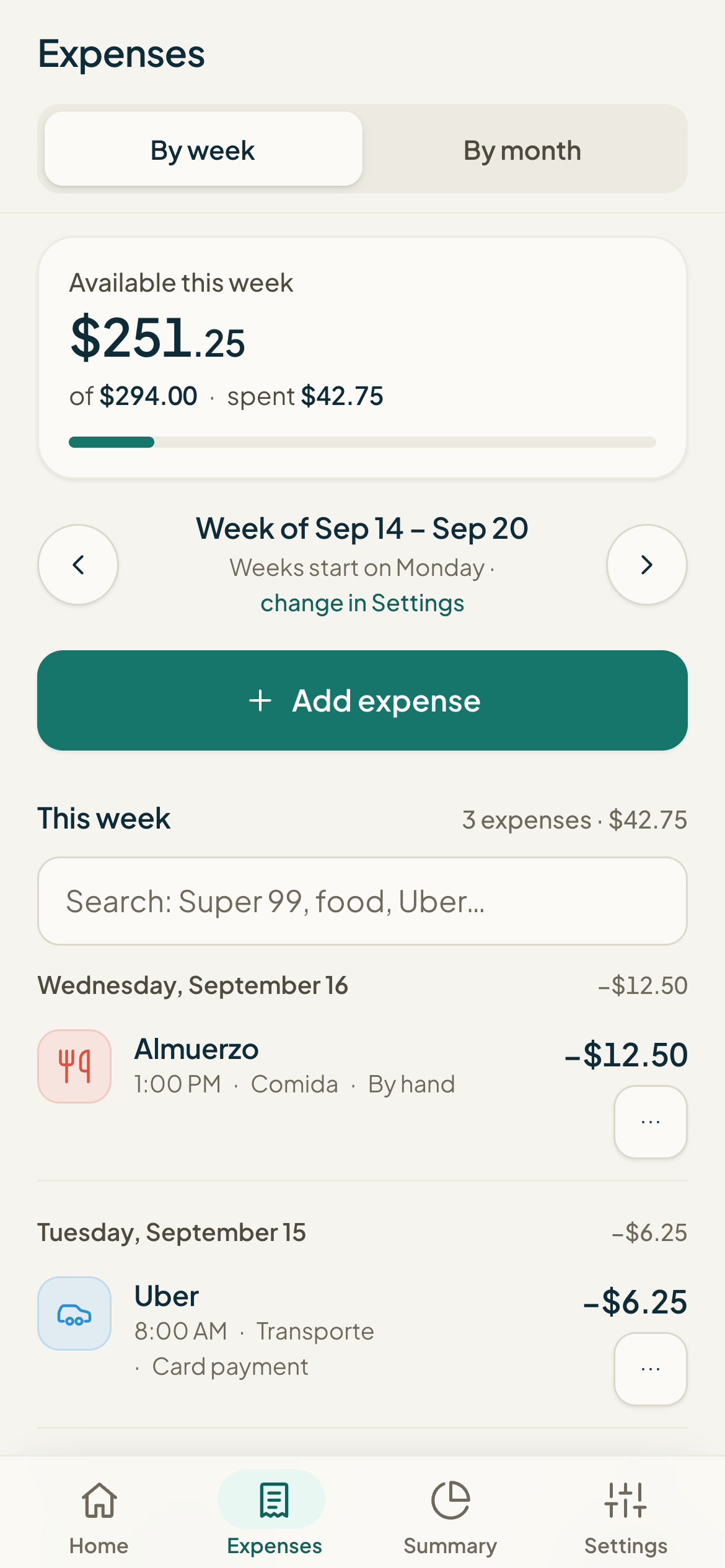
Everything waiting shows up in the "Waiting to upload" section, with the count in parentheses. Each line shows what it is (an expense or a receipt), when you recorded it, and its status: "Waiting for network" while there's no connection, or "Queued" once there is.
#How syncing finishes
The queue empties on its own when you REOPEN the app while online (also when you bring the app back to the foreground). Nothing uploads while the app is closed or in the background. If pending items take a moment after you reconnect, an "Upload now" button appears in the "Waiting to upload" section so you can start it yourself.
#When a pending item fails
If a photo came out unreadable or no clear total was found, that pending item stays in the list with the reason, and you'll see the notice "Some couldn't be recorded. Retry or discard them." You have two options on that line:
- Retry: tries to upload it again (handy if the failure was temporary or your connection improved).
- Discard: removes it from the queue, and it won't be recorded. Monuvia asks you to confirm first.